Technology Management
When a system fails, everyone knows who owns it and what it affects
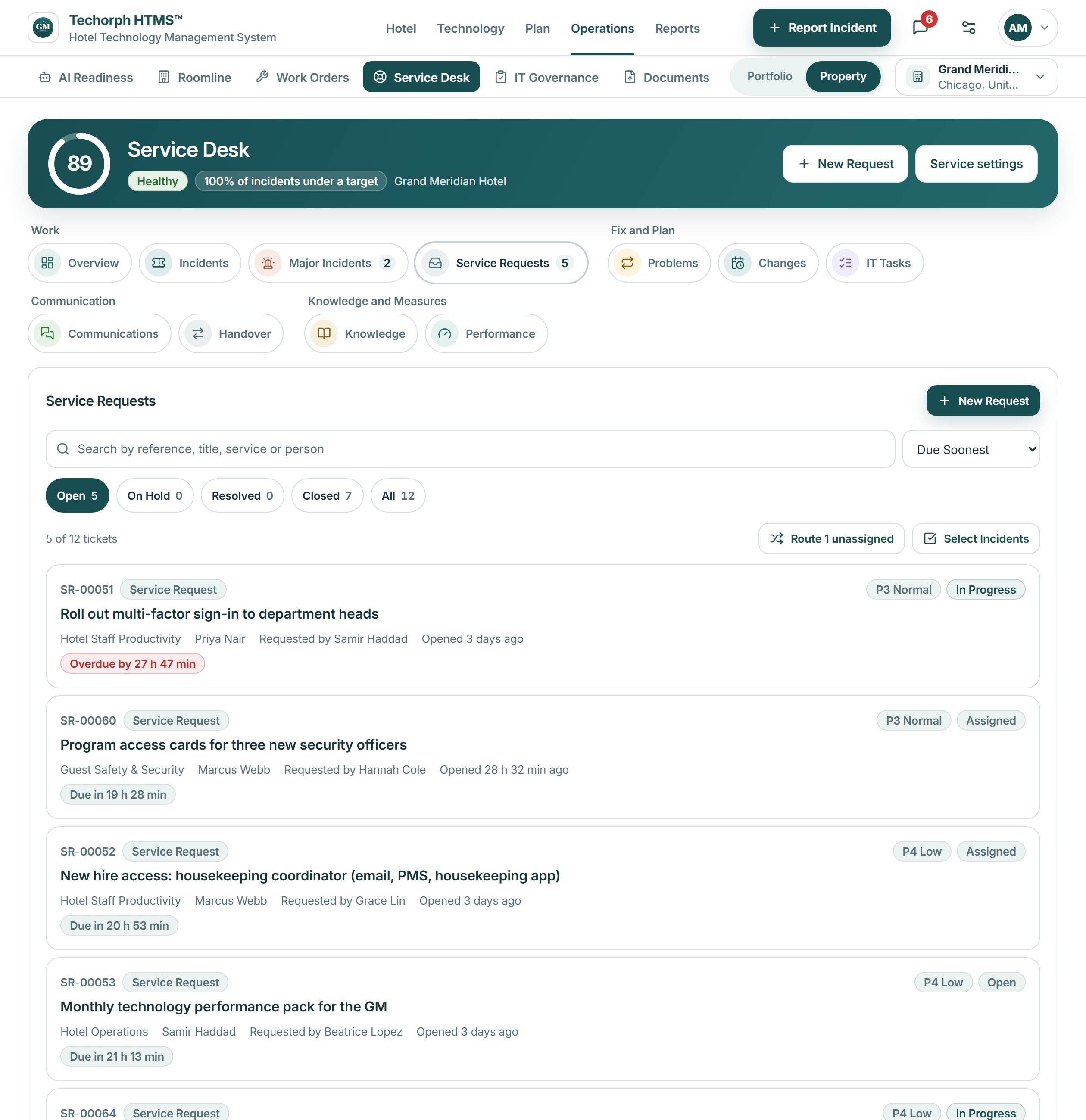
Each IT incident and request gets an owner, a response target and a link to the system, vendor and department involved. Where guests or rooms are affected, the ticket says so.

The problem
A frozen check-in terminal shouldn’t depend on who picked up the phone
In a 240-room hotel a payment terminal fails during a busy arrival hour. The report goes by phone to one person and by message to another, so guests wait in line, the front desk improvises, and nobody can say who owns the fix or whether the same fault happened last week. It comes back next week.
Why the same faults come back
A general IT service tool tracks the ticket, but it does not know that a failed payment terminal holds up arrivals while a failed back-office printer does not.
Hotel IT teams are small and often cover more than one property. Requests arrive by phone, text and email with no owner, no response target and no history, so a repeat fault is not recognized as one.
In HTMS™ each ticket records the system, vendor and department involved, and the guests or rooms affected when there are any. Repeat incidents can be linked to one problem record.
How the Service Desk works
Log the issue
Log an incident or raise a request from the hotel's request catalog, naming the system, asset, guests affected and room impact.
Prioritize and own
Each ticket carries an owner, category, priority and status in one queue, linked to a system, vendor or asset, with a full activity history.
Meet the targets
Set response and resolution targets by priority. Tickets due soon or overdue stand out, and late ones escalate on their own.
Learn and close
Group repeat tickets into problem records, save a fix as a knowledge article, and record a review after a major incident.
Follows ITSM practice (incidents, requests, problems, changes and knowledge), kept light enough for a small hotel IT team.
Keyline recommendations
Likely cause, from your own records
From a ticket, ask Keyline for the likely cause and who else is affected. It answers from the hotel’s own records, shows its evidence next to matching knowledge articles and possibly related tickets, and a person decides what to do.
Works with
How the desk handles a failed terminal
A realistic scenario
The IT manager logs the incident against the terminal asset with the guests affected, promotes it to a major incident, drafts the guest note for the front office manager to send, and escalates to the vendor from a prepared summary.