Hotel Operations
Keep every recorded guest request owned and visible
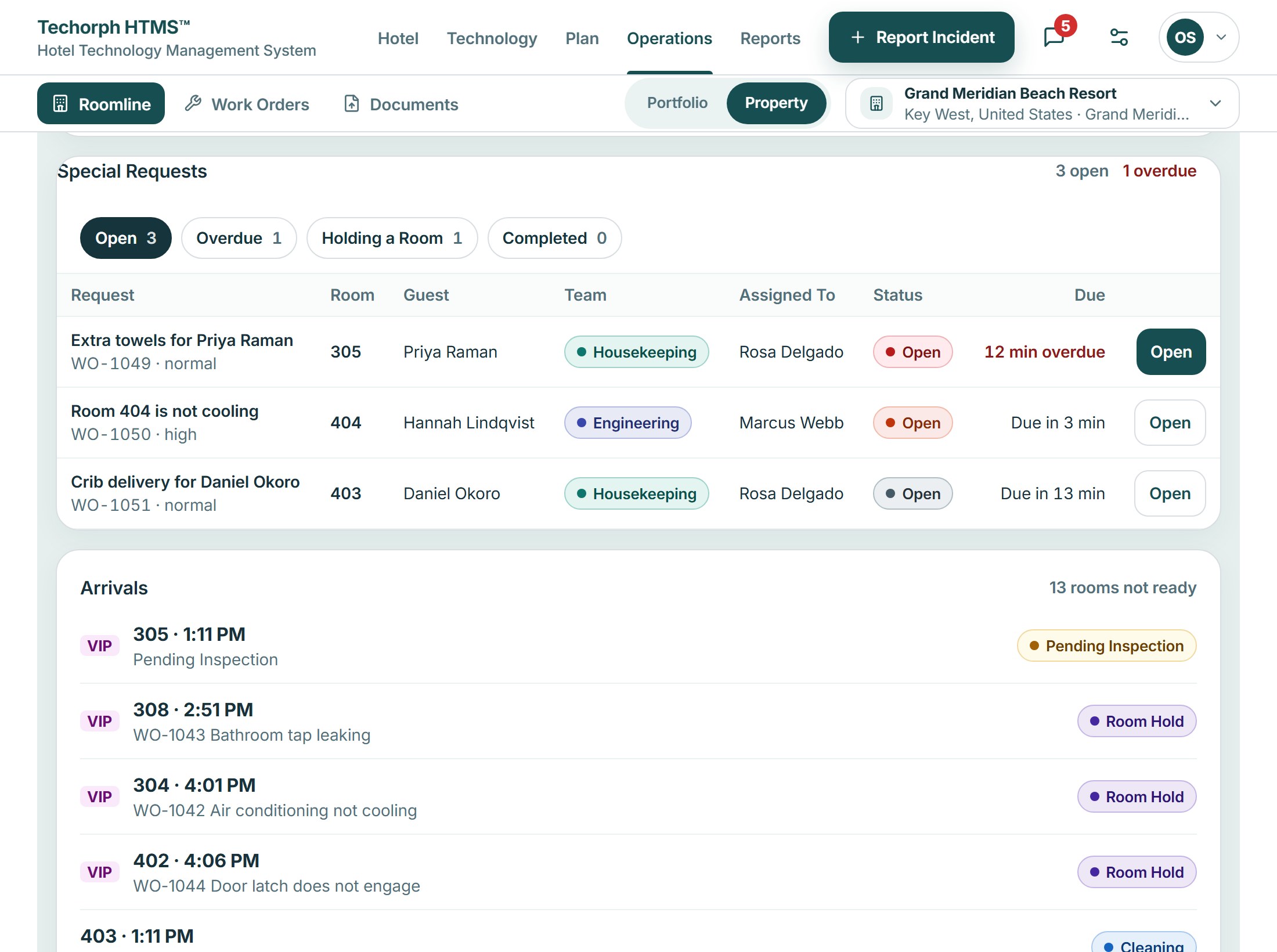
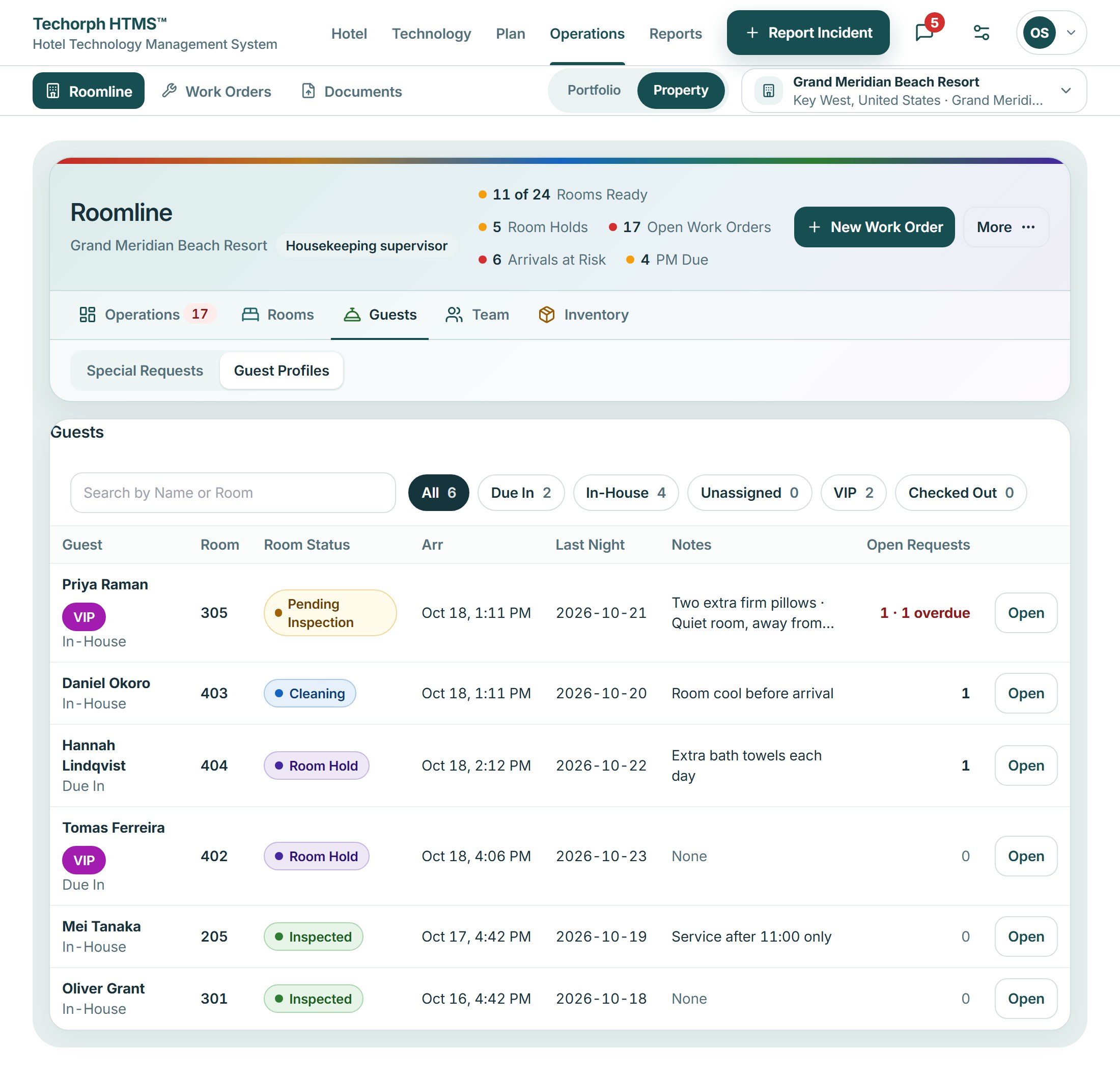
Log requests, check for open duplicates and assign the right team. Follow progress and record the outcome so the front desk can respond with an update.
The problem
Did anyone already log that request?
A guest asks again about a missing crib, a colleague logs it as new, and the first note sits unseen. Or the request is passed on by word of mouth and nobody follows up to ask how it went.
A typical moment“She asked about the crib twice. I had logged it once, and I had no idea the first one was still open.”
Where guest requests slip
The same request is logged twice, and the first note sits unseen.
In HTMS™ A request is named by place and checked against the open ones, so a repeat finds the request already open.
A request is passed on by word of mouth.
In HTMS™ Each request gets an owner and a place on the list, so it is followed, not remembered.
Nobody asks the guest how it went.
In HTMS™ When the work order completes, the desk follows up with the guest.
From request to follow-up
Name the place
Staff name the room or place once and take the guest’s request.
Check for repeats
The request is matched against open requests, so the same need is not logged twice.
Assign and track
The request is assigned to an owner and tracked to completion.
Follow up
The desk follows up afterwards. A credit or service recovery waits for a named person to approve or decline.
Works with
Operations and Connect, working as one
- A message in Connect can become a work order after one confirmation.
- The work order’s status stays next to the conversation until it is done.
A crib, asked for twice
A realistic scenario
A guest in room 318 of a 140-room hotel phones the desk about a crib. The clerk names the room and finds the request already open from the earlier call, so nothing new is logged. When the work order completes, the desk follows up to ask how it went.