Connect
Set rules for recurring work, and see what ran
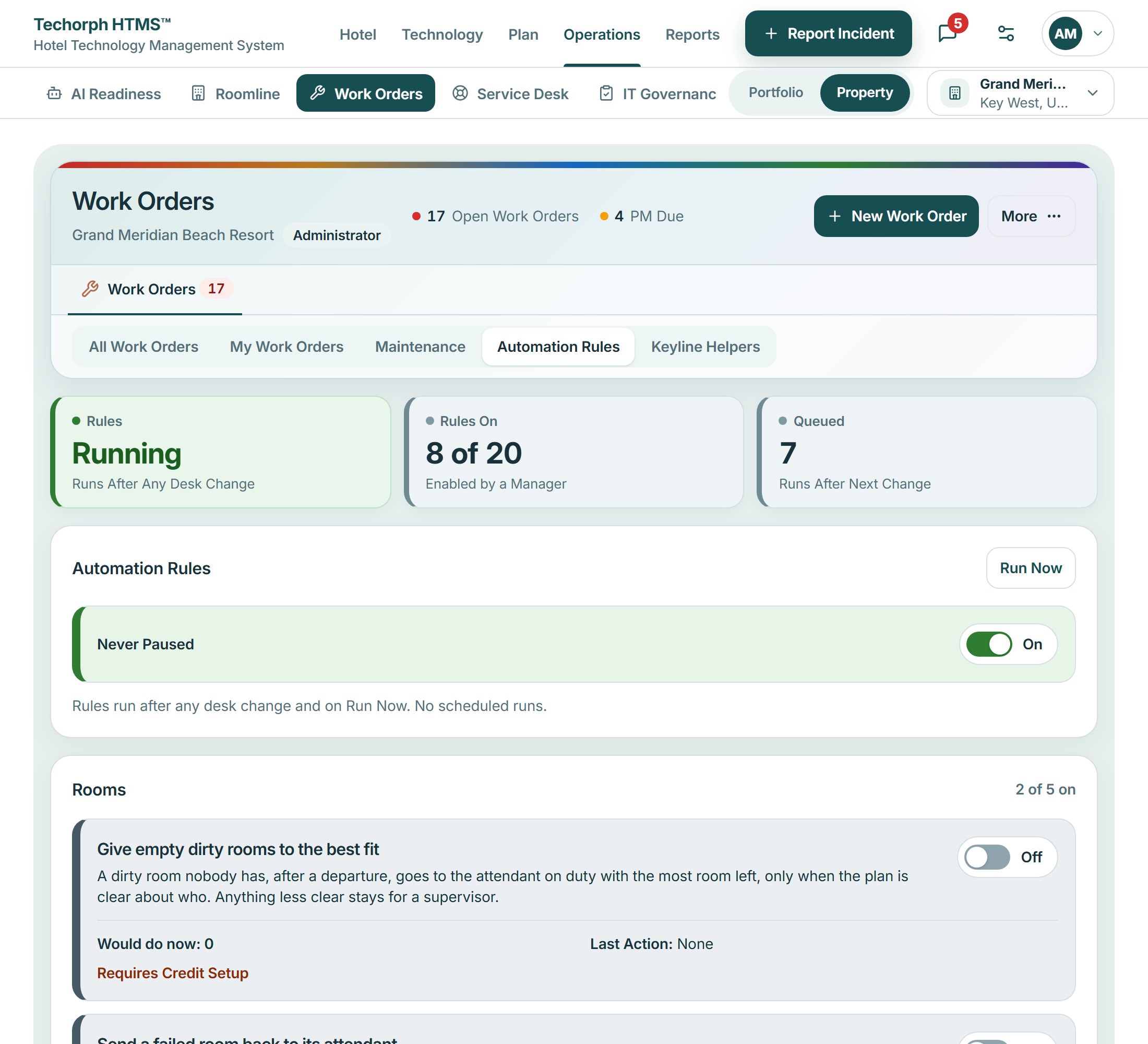
Use manager-enabled rules for supported maintenance and follow-up tasks. See what triggers each rule, what it does and the activity recorded when it runs. A rule acts on its own once switched on; a Keyline proposal always waits for a person.
The problem
Routine work slips when it depends on memory
Maintenance falls due, stock runs low or routine work goes late, and each waits for someone to remember to look. A message that mentions a manager sits unread while they are on the floor.
Rules you choose, emails when it matters
Open the rules
The automatic rules in Work orders list 20 rules in five groups, such as due maintenance, low-stock restock, clear best-fit assignment and late routine work.
Switch one on
Each rule is off until a manager turns it on. It runs after desk changes or on Run now, and every run is logged.
Get a mention email
Connect emails a person who was mentioned or messaged and has not read it after ten minutes, outside 22:00 to 07:00.
Set your alerts
Mute a conversation or limit alerts to mentions. The rules are a fixed set, not a workflow builder.
- Included in
- Connect
- Package and availability
- $3.25 per room/month
- Availability
- Early access: built and working, still being validated at live hotels
Works with
An operations manager turns on one rule
A realistic scenario
In a 90-room hotel, the operations manager switches on the due-maintenance rule and uses Run now to see what it picks up; the run appears in the log. Later a duty manager who was mentioned in Connect gets an email after ten minutes unread.