Front office and front desk

Give the front desk a clear answer on rooms and requests

See room readiness, repair holds and the progress of recorded guest requests. Find the responsible team and the latest update in the same workflow.

Know which rooms are ready before the guest is at your desk.

Concept image: a front office manager at the reception desk
ReadyState written on every room
HeldWho has it, and why
Request followedTo the end
The room board by floor
Room 412 is readyInspected and released
Request logged onceOwner and status visible
Room heldOwner named

Questions HTMS™ answers for the front office

Which rooms are ready?

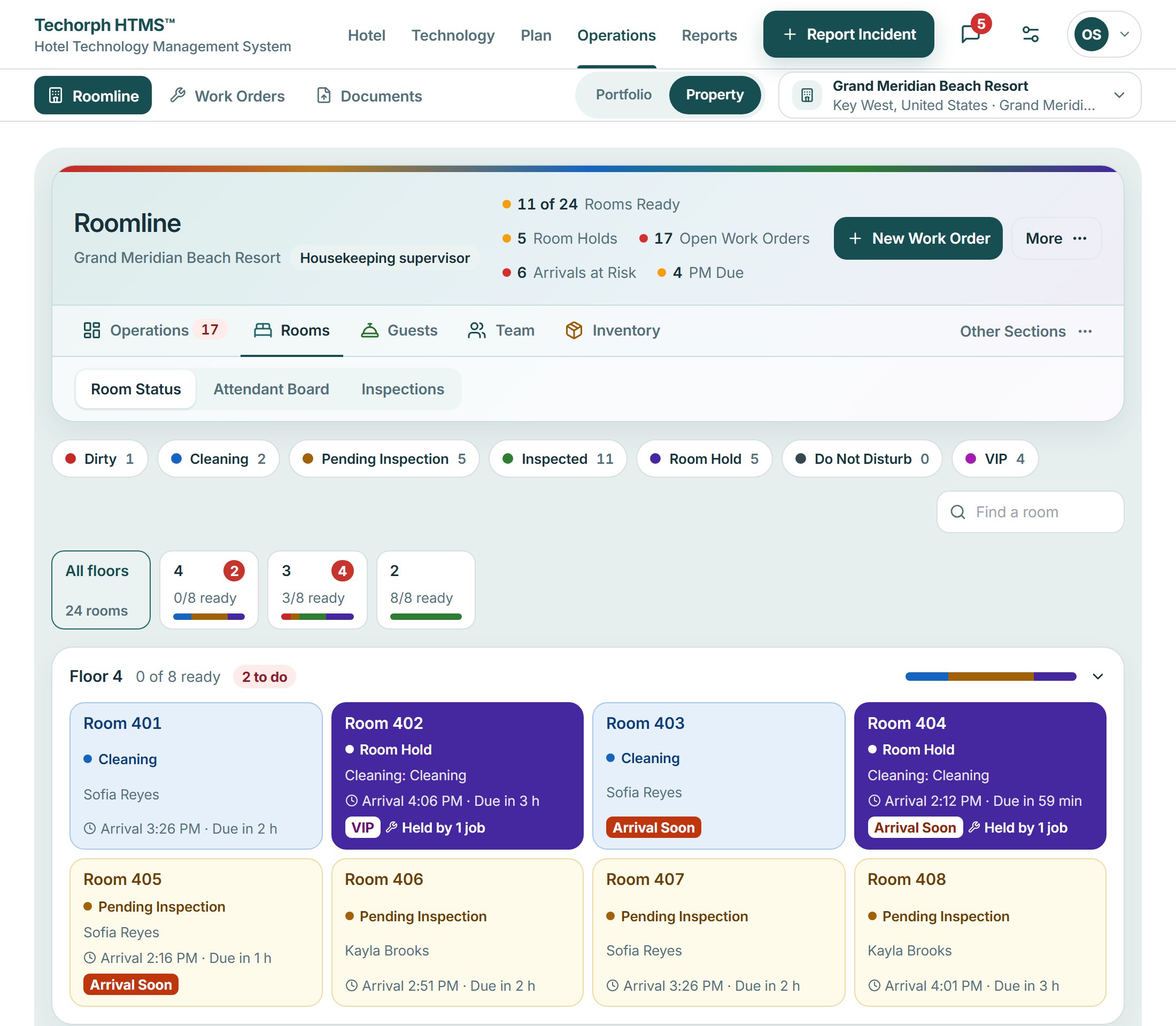
Rooms by floor, colored by state, with released and held rooms marked.

Has this request already been logged?

A guest request is named by place and checked against the open ones before it is added.

Who has it, and when is it due?

Each request has an owner and a due time, and the desk can see where it stands.

What you see first

Your workspace opens on the rooms and the requests that need the desk.
  • Rooms by floor
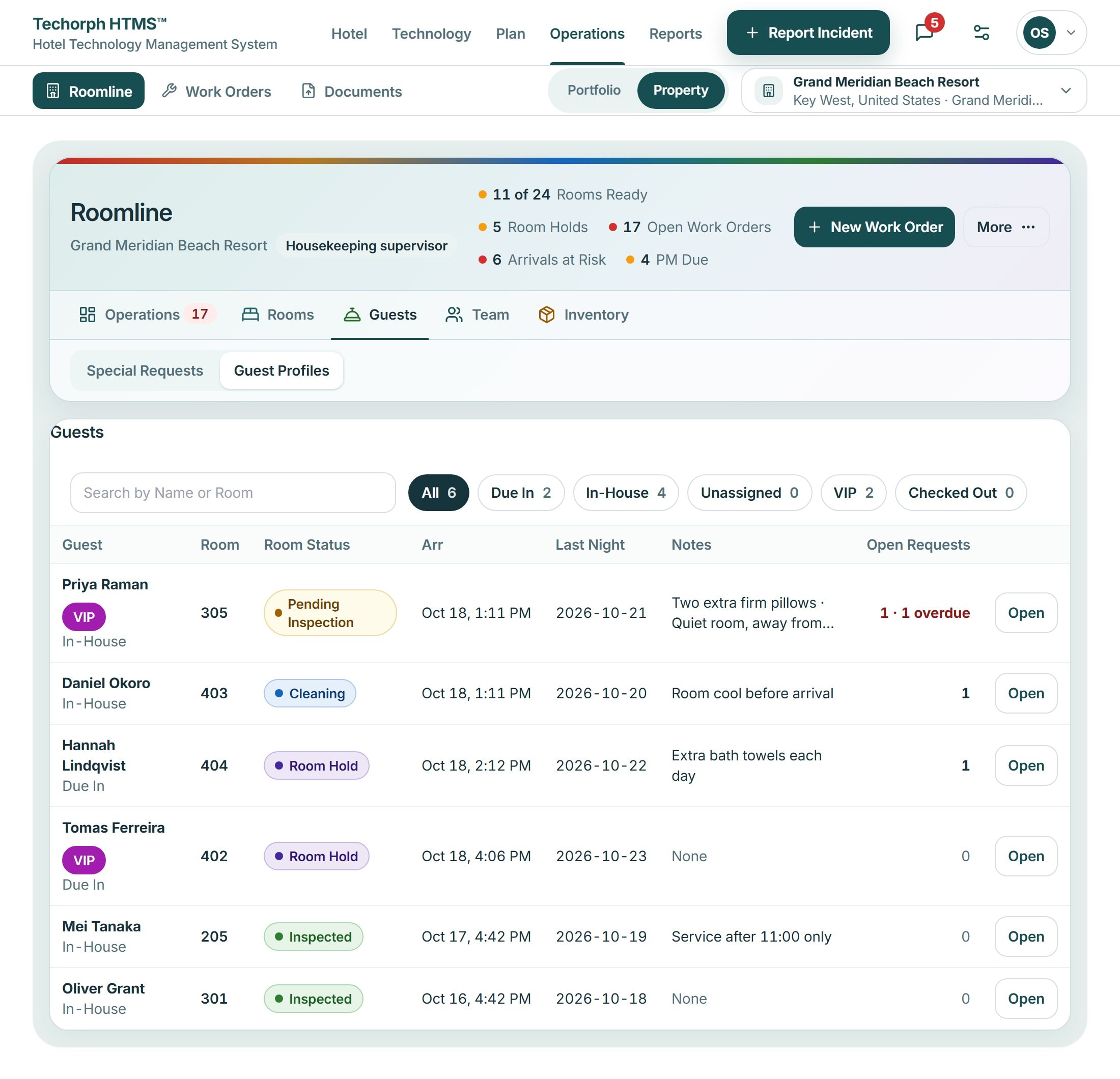
  • Open guest requests
  • Rooms held and released
  • Arrivals due
  • Guest preferences
Roomline rooms view with a band for each floor, a card for each room colored by state, a find-a-room box and a strip of floors showing how many rooms are ready
HTMS™ product screen

What a front office leader gets

Guest requests
  • See ready rooms

    The room board shows each room’s state, its owner and what is holding it.

  • Log a request once

    Capture a guest request once, assign it and follow it to the end.

  • Hand over the shift

    Handover and follow-up sit in one place for the next team.

  • Follow up, don’t chase

    Every request has an owner and a status you can read.

See HTMS™ from the front desk

The demo logs a request, checks for repeats and follows it to the end.

HTMS™ for Front office and front desk | Techorph