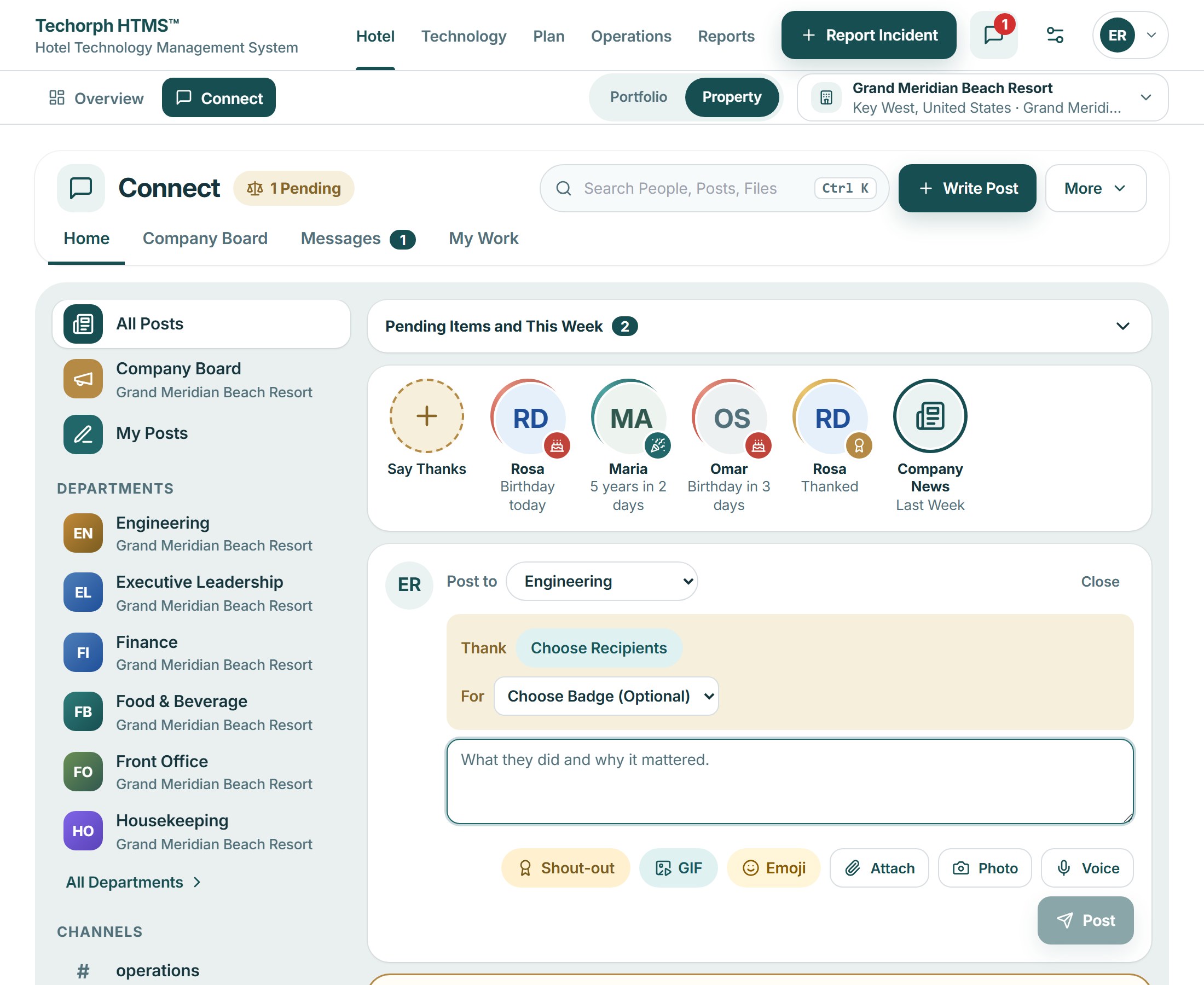
Shout-outs with a badge
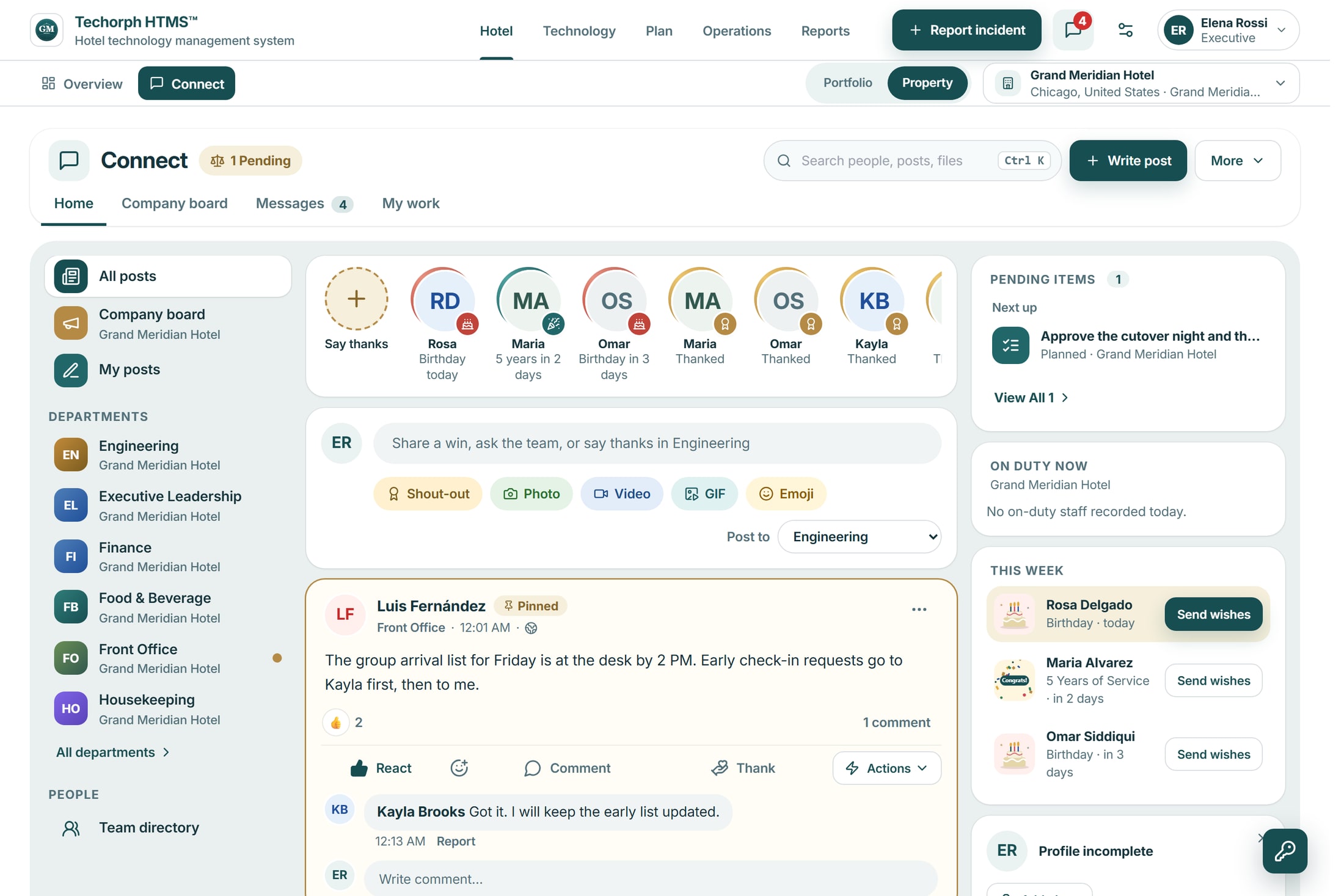
Thank up to five colleagues with one of six badges and a few words, and add a photo or a short video of up to 25 MB. There are no scores, ranks or leaderboards.
Connect
Report problems to the right department, ask a colleague and turn messages into assigned work. With the Keyline Advanced AI add-on, Keyline prepares a ticket or work order for an authorized team member to confirm.
The problem
A fault is reported in one place, followed up in another and written on a shift note later. Hotel news and thanks for good work are easy to miss.
Home shows posts and conversations from the spaces you belong to, pinned posts first. Managers and department heads post news to the company board, and everyone can comment.
Each department has its own page: the team’s posts, Messages, goals, requests and guides, with what is waiting on you beside the feed.
Direct and group conversations, linked to a project, budget line or system when the talk is about one. A person who is mentioned and has not read it is emailed after ten minutes.
Say what is wrong in your own words. Keyline asks where if it needs to, then prepares a Service Desk ticket for IT or a work order for engineering. Nothing is created until an authorized team member confirms it.
Employee recognition
Recognition sits on the company board, apart from the work queue. The company space is off until your account has it and a hotel manager switches it on for that hotel.
Availability depends on your account and on each hotel switching it on.
A realistic scenario
At 2 a.m. a night auditor posts a photo of a leaking pipe in the engineering channel and mentions Keyline (with the Keyline Advanced AI add-on). Keyline prepares an engineering work order with the location and urgency filled in. The night manager checks it and confirms it, and the work order reaches engineering before the morning shift.